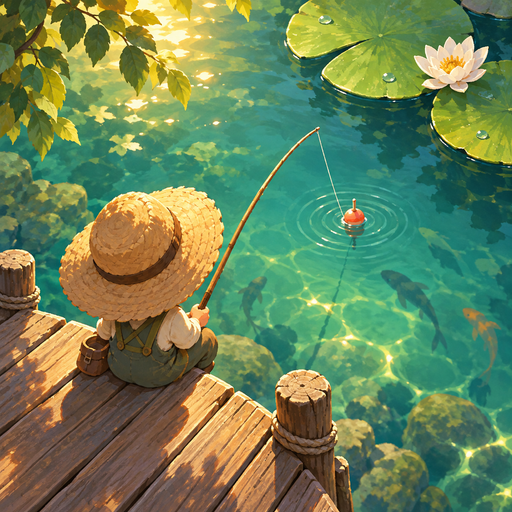
 Ripple Catch
Help & contact
How do I start fishing?
Cast, hook when the float sinks, then hold and slide to adjust tension. Release in the green zone to pull the fish closer. Holding alone will not land a fish. Your first four successful catches introduce fish that basic tackle can handle.
Can one set of tackle catch every fish?
Each bait or lure attracts different species. Rods and reels each have species and size limits. Read their descriptions in the tackle screen and use fishing points to upgrade.
Can I turn off music or vibration?
Use the settings button at the top right to adjust music, effects, and vibration separately. The gauge and on-screen cues remain readable without sound or vibration.
My Premium purchase is missing.
Sign in to the same store with the Apple or Google account used to buy it, then open Settings → Premium → Restore Purchases. An internet connection is required. Purchases do not transfer between iOS and Android. Contact us if it remains locked.
Will my fishing records move to another phone?
Catches, points, tackle, and settings are saved on the device. The app has no account or cloud-save feature. Restoring a purchase does not restore fishing records. Uninstalling the app or clearing its data may remove progress.
How do refunds work?
Check the refund process in the purchase history of the App Store or Google Play used for the purchase. Refunded or cancelled Premium access may be revoked after store verification.
Contact us
Tell us your device model, operating system, app version, and what happened. If useful, attach a screenshot with private information hidden. Do not send passwords, card numbers, or raw purchase tokens.
info@rowanzone.co.kr